

Why Most Video Captions Don’t Increase Views
 RenderCutCreator Tips
Most video captions fail to increase views because they are generated without strategy, structure, or attention design.
Creators add captions to every reel, every short, every TikTok. They expect a bump in views. Then nothing happens. Retention stays flat. The algorithm does not push the video. And the creator blames the content when the real problem is sitting right there on screen in plain text.
Captions are not magic. Adding them does not automatically make people watch longer or share more. But fixing how they are built changes everything.
This guide explains exactly why most captions fail and gives you a system to fix them starting with your next video.
What this guide covers:
- Why captions alone do not increase views
- The 5 biggest caption mistakes killing your retention
- How viewers actually read on-screen text
- A caption fix framework you can apply immediately
- Before and after comparison with real metrics
- 3 common caption myths that waste your time
1. Why Captions Alone Do Not Increase Views
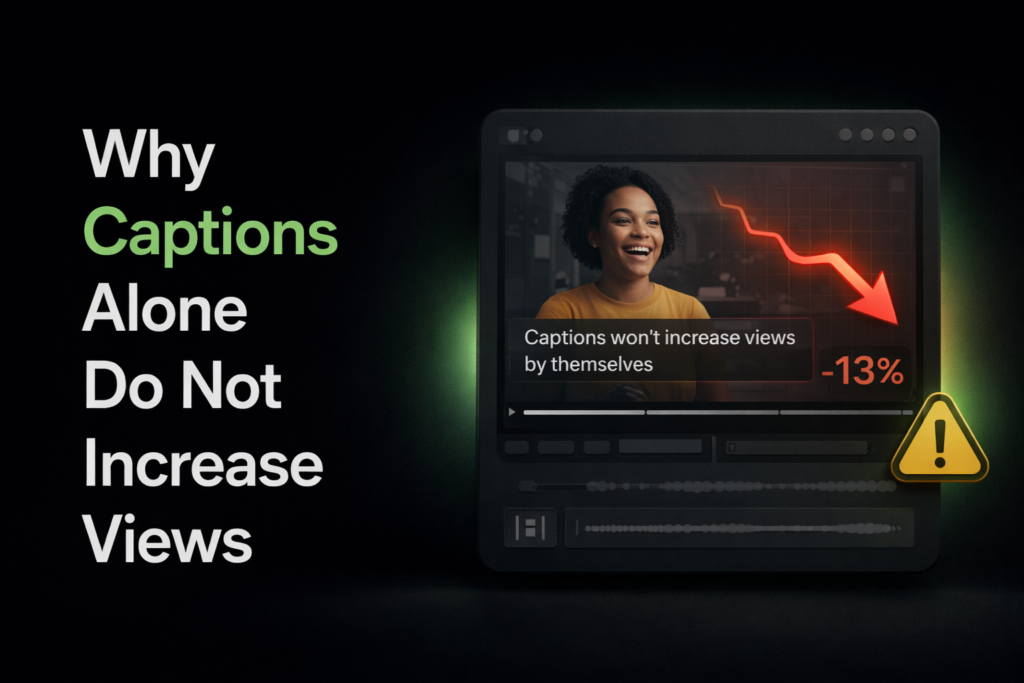
Views are driven by retention. Retention is driven by how long someone watches before they swipe. Captions play a supporting role in that, but they are not the main character.
Think of captions like seasoning on a meal. If the food is bad, no amount of salt fixes it. If the content is weak, captions will not save it. But if the content is solid and the captions are structured for attention, that combination pushes retention up significantly.
Platform algorithms on Instagram, TikTok, and YouTube Shorts all prioritize watch time and completion rate over any single visual element. A video with no captions but a strong hook will outperform a video with perfect captions but a boring first 3 seconds.
The 3 things that actually drive views:
- Strong opening hook that stops the scroll in the first 2 seconds
- Retention through pacing that keeps the viewer curious throughout
- Captions that reinforce attention by adding visual rhythm and readability
Captions sit at number 3. They amplify what is already working. They do not create engagement from nothing.
2. The 5 Biggest Caption Mistakes
When creators add captions and see no improvement, it is almost always because of one or more of these five problems.
2.1 Long Sentence Captions
Showing 10 to 15 words in a single caption block forces the viewer to read an entire sentence while also watching the video. The brain cannot do both well at the same time. So it picks one. Usually, it picks swiping away.
2.2 No Visual Hierarchy
When every word in the caption looks exactly the same, nothing stands out. The eye has no anchor point. The brain treats the text as background noise and ignores it entirely.
2.3 Poor Timing
Captions that appear too early or too late create a disconnect with the audio. Even a half-second mismatch makes the video feel off. Viewers cannot explain why it bothers them, but it does. And they leave.
2.4 No Hook in the First Line
The first caption that appears on screen is the most important one. If it just transcribes the opening words of the speaker, it wastes the most valuable real estate in the entire video. The first line should be a hook, not a subtitle.
2.5 Overcrowded Text
Cramming too many words on screen at once creates visual fatigue. The viewer’s eyes bounce around trying to process everything, and the experience becomes exhausting instead of engaging.
Quick reference for caption mistakes and their impact:
| Mistake | What Happens | Impact on Retention |
|---|---|---|
| Long sentence captions | Viewer reads instead of watches | High drop-off after 3 seconds |
| No visual hierarchy | Brain ignores the text | Captions add zero value |
| Poor timing | Audio and text feel disconnected | Subconscious discomfort, early exit |
| No hook in first line | First 2 seconds are wasted | Viewer never engages at all |
| Overcrowded text | Visual fatigue sets in | Viewer swipes to escape the clutter |
If you recognize even one of these in your current videos, that is likely the reason captions are not improving your numbers.
3. How People Actually Read Captions
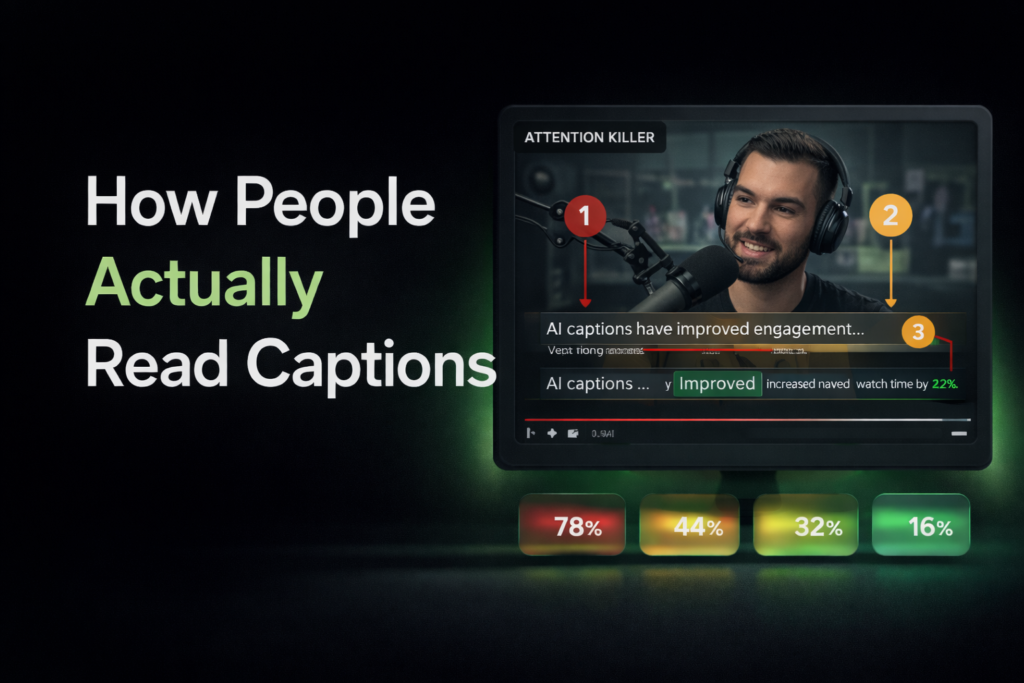
Most creators design captions as if viewers are reading a book. They are not. Viewers are scanning, not reading.
On a phone screen, the eye moves in quick jumps. It lands on a word or a small cluster of words, absorbs the meaning, then jumps to the next cluster. This is called saccadic movement, and it is how every human reads on digital screens.
Research on mobile screen readability shows three things that matter for captions:
- Shorter chunks are processed faster. The brain handles 3 to 5 word groups significantly quicker than full sentences.
- Contrast grabs first. The eye is drawn to whatever looks visually different. A highlighted word gets seen before the rest of the line.
- Rhythm keeps attention. Text that appears and disappears in a steady pace creates a pattern the brain wants to follow. Break the pattern and attention breaks with it.
This is why default AI captions do not work. They are optimized for transcription accuracy, not for how the human eye actually scans a phone screen while watching a video.
4. The Caption Fix Framework
Fixing captions does not mean starting from scratch. It means applying five adjustments to the captions you already have.
4.1 Use Short Text Chunks
Break every caption into 3 to 5 word segments. No exceptions. If a line has more than 5 words, split it. This single change improves readability more than any other adjustment.
4.2 Highlight Key Words
In each chunk, pick the one word that carries the meaning. Make it visually different. Use a bold weight, a contrasting color, or a background highlight. This gives the eye a landing spot and improves recall of your message.
4.3 Sync with Speech Rhythm
Adjust caption timing so text appears when the speaker says the words, not before or after. Match pauses with pauses. Match energy with energy. The captions should feel like part of the video, not something layered on top.
4.4 Add Pattern Interrupts
Change the caption style at least once during the video. Shift the color, move the position, increase the size for one line. This breaks the visual pattern and re-engages the viewer’s attention at the exact moment it starts to drift.
4.5 Start with a Hook Caption
Replace the first auto-generated caption with a hook line. Something bold, unexpected, or curiosity-driven. “This changes everything” or “Stop doing this” works far better than whatever the speaker actually says in the first 2 seconds.
For a deeper look at how this framework produced a 42 percent increase in watch time, check out the full breakdown in How We Increased Reel Watch Time by 42% Using AI Captions.
5. Before vs After Caption Example
Here is a direct comparison of the same video with default captions versus captions processed through the fix framework.
| Element | Before (Default Captions) | After (Fixed Captions) |
|---|---|---|
| First line on screen | “Hey guys so today I wanted to talk about” | “This trick doubled my reach” |
| Words per line | 10 to 14 | 3 to 5 |
| Keyword emphasis | None, all words same style | Key word highlighted per chunk |
| Timing accuracy | Auto-synced, slightly off | Manually adjusted to speech rhythm |
| Visual variety | Same style throughout | 1 to 2 pattern interrupts added |
| Viewer experience | Captions feel like an add-on | Captions feel like part of the story |
The “after” version does not use different content. It uses the same words, rearranged and styled for how people actually consume video on a phone. That is the entire difference.
6. Caption System You Can Apply Today
Here is the exact process to fix your captions in under 15 minutes per video.
- Generate subtitles using an AI captioning tool. Get the raw transcription with timestamps.
- Break into short lines. Split every caption into 3 to 5 word chunks. No long sentences.
- Highlight key words. Pick one word per chunk that carries the weight. Make it visually different.
- Sync with speech. Watch the video and adjust timing so captions land with the speaker’s rhythm.
- Add a hook first line. Replace the opening caption with something that stops the scroll.
- Export the video. Render with hardcoded captions so they display on every platform and device.
Run this process on your next 5 videos. Compare retention metrics against your last 5 videos with default captions. That data will tell you everything you need to know about whether this system works for your content.
7. When Captions Actually Work
Captions are not a standalone growth strategy. They work best when four conditions are met at the same time.
- The video has a strong hook. If the first 2 seconds do not stop the scroll, no caption can save it.
- The message is clear. Confusing content with perfect captions is still confusing content.
- The pacing is right. Videos that drag or rush lose viewers regardless of what the text says.
- Captions are aligned with the content. The text on screen should reinforce the message, not compete with it.
When all four of these are in place, captions become an amplifier. They take a good video and make it perform noticeably better across every metric that matters: watch time, completion rate, shares, and saves.
8. Common Myths About Captions
There are three myths that waste more creator time than almost anything else in the caption space.
| Myth | Reality |
|---|---|
| Adding captions automatically increases views | Captions only improve views when they are structured for attention. Unoptimized captions add nothing measurable. |
| Longer captions give more clarity | Longer captions create visual clutter. Short chunks of 3 to 5 words are processed faster and hold attention better. |
| AI-generated captions are good enough | AI handles transcription well, but it does not optimize for visual hierarchy, hook design, or speech rhythm. That part requires a system. |
None of these myths are obvious until you test the alternative. Once you compare default captions against optimized captions on the same style of content, the difference in retention data makes the answer clear.
Frequently Asked Questions
Why don’t captions increase views?
Captions do not increase views when they are poorly structured, badly timed, or lack visual hierarchy. Simply adding text to a video does not improve retention. The captions need to be designed for how viewers scan content on mobile screens.
What makes captions effective?
Effective captions use short text chunks of 3 to 5 words, highlighted keywords for emphasis, proper timing that matches the speaker’s rhythm, and a strong hook in the first line. These elements together turn captions into a retention tool instead of just a transcription layer.
Do captions improve engagement?
Captions improve engagement when they are paired with strong content and a clear message. On their own, they are a support element. Combined with a good hook, proper pacing, and visual styling, they can significantly increase watch time, completion rate, and shares.
How many words should a caption show at once?
Each caption block should show 3 to 5 words at a time. This range matches how the brain scans text on small screens. Anything longer forces the viewer to read instead of watch, which reduces retention.
Final Word
Captions are not broken. The way most people use them is.
The difference between captions that do nothing and captions that increase watch time by double digits comes down to five fixes: shorter chunks, highlighted keywords, proper timing, pattern interrupts, and a hook-first opening line. None of these are complicated. All of them are ignored by default caption generators.
You do not need to become a video editing expert. You need a system. Apply the framework in this guide to your next 5 videos, measure the retention data, and let the numbers tell you what changed.
If you want to execute this system without spending hours in a timeline editor, use a tool that gives you full control over text styling, word-level highlights, and caption timing. RenderCut handles the transcription and rendering while you focus on the strategy that actually moves the numbers.
Try RenderCut free and fix your captions today.
References
- Meta for Business – Retention and watch time benchmarks for Instagram Reels
- Nielsen Norman Group – Eye tracking research on mobile text scanning behavior
- YouTube Creator Academy – How watch time and completion rate influence Shorts distribution


