

5 Best Tools for UI UX Design
 RenderCutCreator Tips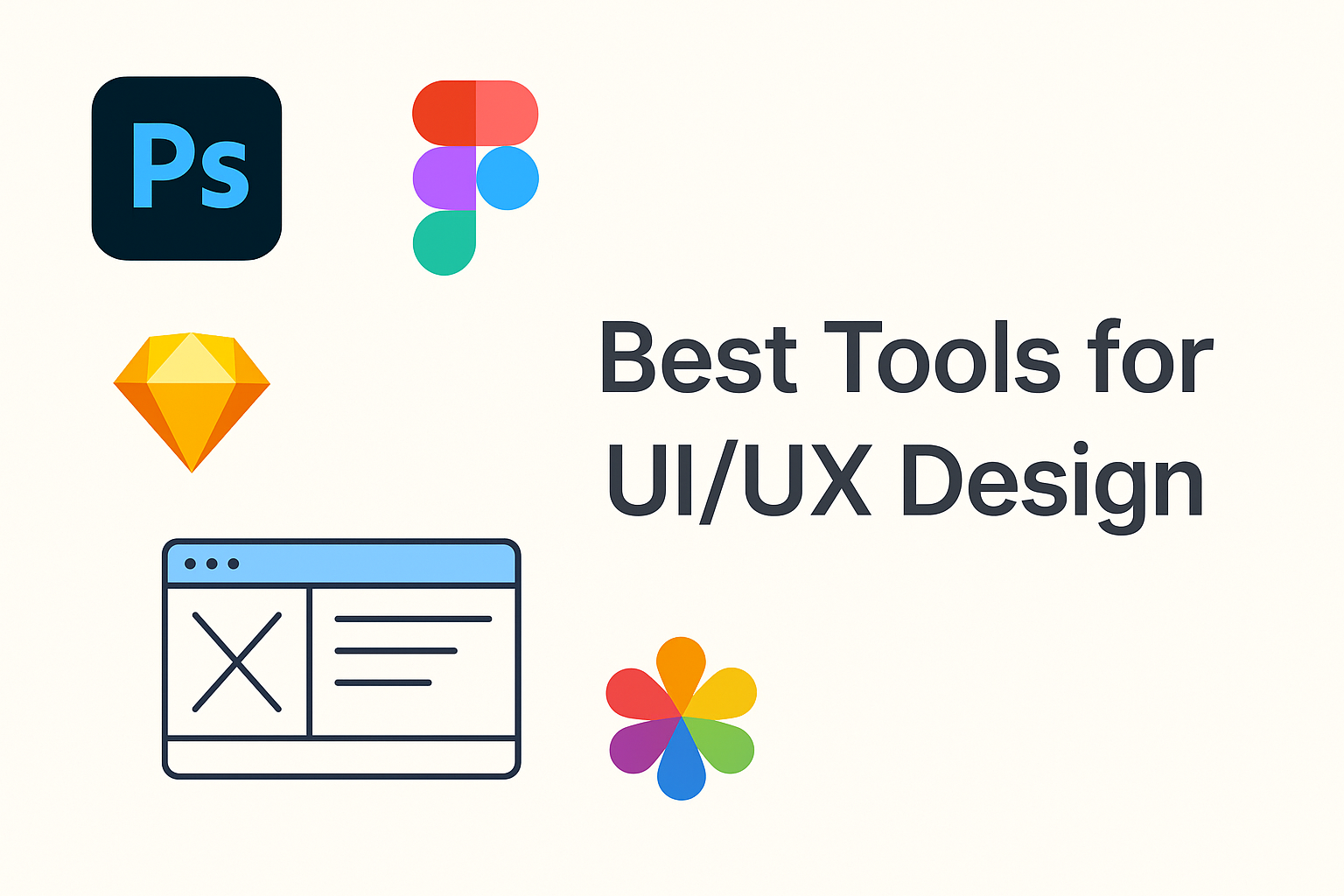
UI/UX design is a key element in creating seamless and enjoyable digital experiences. With the right tools, designers can bring their visions to life more efficiently and effectively.
In this blog, we’ll explore the best tools available for UI/UX design, helping you elevate your design process. Whether you’re prototyping, wireframing, or gathering feedback, these tools are designed to enhance creativity and streamline workflows.
1. Figma
Figma is a cloud-based UI/UX design tool that enables real-time collaboration among designers, developers, and stakeholders.
Key Features:
- Collaborative design workspace with multiplayer editing
- Prototyping and animation tools for interactive mockups
- Version control, design systems, and reusable components
Why Use It:
- Enables seamless team collaboration without file transfers
- Ideal for web, mobile, and interface design workflows
- Offers a generous free plan with professional upgrades for teams
2. Adobe XD
Adobe XD is Adobe’s professional-grade tool designed for UI/UX design, enabling users to create wireframes, high-fidelity prototypes, and interactive user flows. UI/UX designers, product teams, and agencies are creating cross-platform apps and digital experiences.
Key Features:
- Vector-based design tools for scalable, precise interfaces
- Responsive resize to adapt designs across screen sizes
- Seamless integration with Adobe Creative Cloud apps (Photoshop, Illustrator, etc.)
- Prototype tools with auto-animate, transitions, and voice triggers
- Collaborative features include cloud sharing, coediting, and developer handoff
Why Use It:
- Smooth workflow for designers already using Adobe products
- Ideal for interactive, high-fidelity UI/UX prototypes
- Supports voice interaction design, making it suitable for emerging interfaces like voice UIs
3. Sketch
Sketch is a vector-based design tool exclusively for macOS, widely used for UI/UX, mobile, and web interface design. Use Sketch if you work on macOS and need a fast, focused, and flexible tool for creating digital product designs.
Key Features:
- Artboards and reusable symbols for streamlined workflows
- Extensive plugin ecosystem for added tools and automation
- Seamless integration with tools like Zeplin, InVision, and Abstract
Why Use It:
- Clean, user-friendly interface perfect for beginners and pros
- Large community with shared templates, plugins, and tutorials
- Optimized for creating scalable, responsive design elements
4. InVision
InVision is a digital design collaboration platform that enables teams to create, test, and share interactive prototypes efficiently.
Key Features:
- Real-time collaboration and feedback for streamlined teamwork
- Interactive animations and transitions to simulate real user experiences
- Integration with design tools like Sketch and Photoshop for seamless workflow
Why Use It:
- Advanced prototyping tools to visualize product ideas effectively
- Simplifies client and stakeholder feedback with easy comment and sharing options
- Enhances user testing by turning static designs into clickable experiences
5. Balsamiq
Balsamiq is a wireframing tool designed for creating low-fidelity mockups that emphasize structure and functionality over visual detail. Perfect for brainstorming UI layouts, presenting early concepts to clients, and building a shared understanding across development and design teams.
Key Features:
- Drag-and-drop interface for rapid layout creation
- Hand-drawn style wireframes to keep the focus on usability
- Real-time collaboration and commenting tools for team input
Why Use It:
- Simplifies the design process by keeping visuals minimal
- Speeds up ideation for early-stage planning
- Ideal for non-designers to contribute to UX layout discussions
PAA (People Also Ask)
- What is the best tool for UI/UX design?
- Figma is the best all-around tool for collaboration and design.
- Can I use these tools for web design?
- Yes, all five tools are ideal for web and mobile design projects.
- Which UI/UX tool is easiest for beginners?
- Balsamiq and Figma are great for beginners due to their intuitive interfaces.
Conclusion
The tools discussed, Figma, Sketch, Adobe XD, InVision, and Axure, each bring unique strengths to the UI/UX design process, from seamless collaboration to interactive prototyping. By experimenting with these tools, you can discover the perfect fit for your design needs.
For an even more efficient workflow, consider integrating them with other design software to streamline your projects. Embrace these tools and elevate your design game to create exceptional user experiences that leave a lasting impression.


