

TikTok Video Dimensions: The Complete Guide for Creators
 RenderCutCreator Tips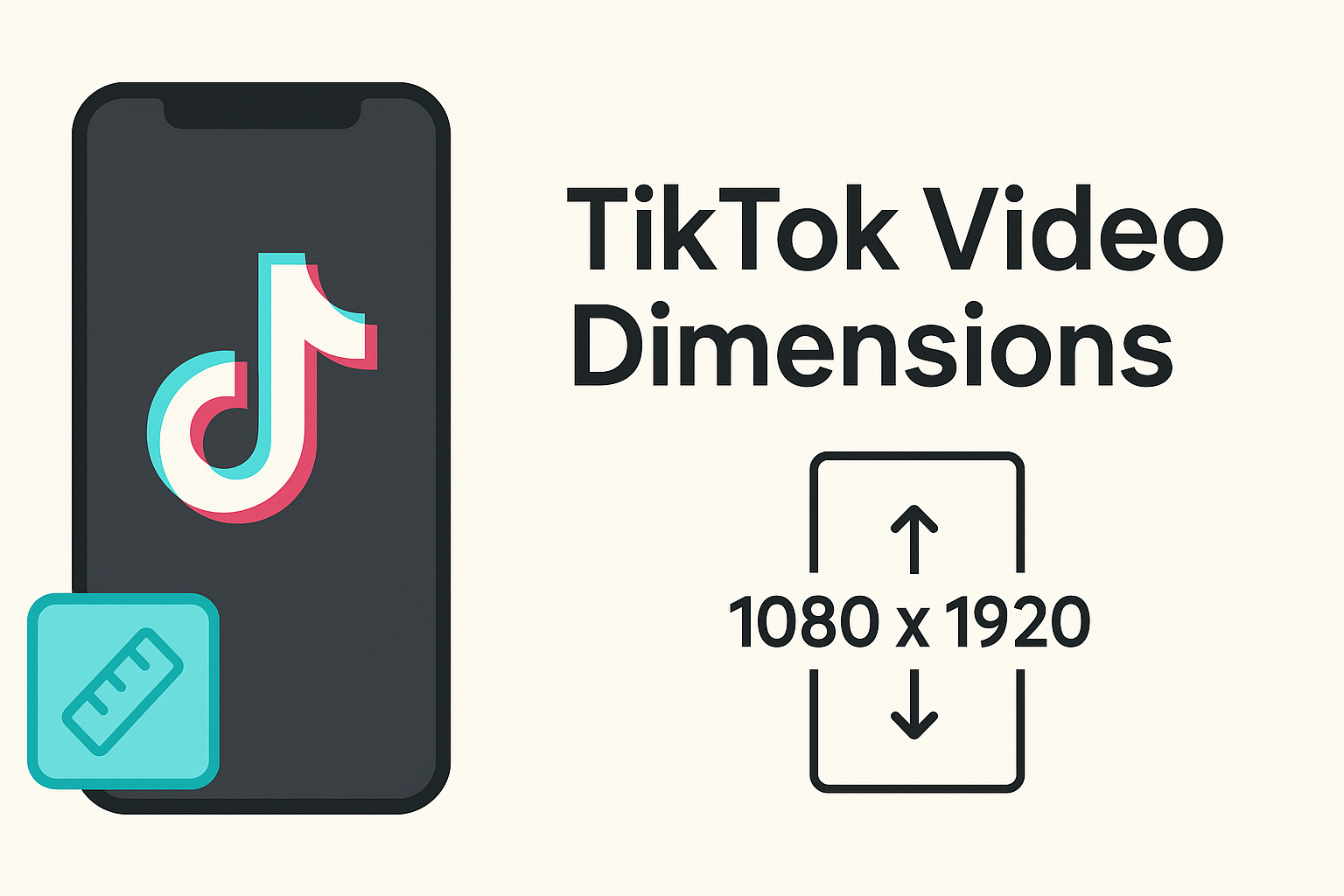
TikTok has completely redefined how we consume short-form video content, capturing millions of eyes with just a swipe.
If you want your videos to look crisp, professional, and engaging, using the right TikTok video dimensions is non-negotiable. It affects everything from how your content appears on screen to how the algorithm promotes it.
In this blog, I’ll break down the ideal dimensions for TikTok videos, why they matter for reach and quality, and how you can create videos that look great on every device.
What Are the Official TikTok Video Dimensions?
The official TikTok video dimensions are 1080 x 1920 pixels, which means your video fills the full screen of a smartphone. TikTok follows a 9:16 aspect ratio, the same shape as your phone held vertically. It supports popular file types like MP4 and MOV, so your videos are easy to upload from most devices.
For regular posts, the maximum video length is 10 minutes, while TikTok ads can go up to 60 seconds for in-feed formats. Keep in mind, the maximum file size is 287.6MB for iOS and 72MB for Android. For ads through TikTok Ads Manager, videos can go up to 500MB.
These standards keep everything smooth and fun to watch.
Why TikTok Video Dimensions Matter
TikTok video dimensions matter because they help your video look perfect on the screen. When you use the right size, your video fills the screen without black bars or awkward cropping. This means nothing important gets cut off, and your content looks clean and professional.
Using proper dimensions also helps your video stand out in the TikTok feed. It grabs more attention because it fits the vertical layout TikTok is designed for. When your video looks better, people are more likely to stop, watch, and engage.
This directly affects your views, likes, and watch time. A well-framed video holds attention longer, which tells the algorithm your content is worth sharing more.
Best Practices for Shooting and Editing in 9:16 Format
Shooting in 9:16 format helps your video fill the screen on TikTok, Instagram Reels, and YouTube Shorts. Always hold your phone vertically or set your camera to portrait mode before you start recording. If you’re using a DSLR or mirrorless camera, rotate the camera or mount it vertically on a tripod. This saves time during editing and keeps your frame focused.
While editing, tools like CapCut and Premiere Pro help you keep the 9:16 format without black bars or stretching. Just set your project size to 1080×1920. These apps also let you preview exactly how it will look on mobile. Keeping the format consistent from start to finish makes your video look professional.
Common Mistakes to Avoid with TikTok Video Size
TikTok is designed for vertical viewing, so it’s best to keep your videos in a 9:16 format. Uploading horizontal or square videos often makes them look smaller and less engaging on the app. Many creators also face issues when text and key visuals are not aligned properly, they end up getting cropped or hidden behind TikTok’s buttons.
Always placing important content in the center helps avoid that. Another common mistake is ignoring TikTok’s UI zones at the top and bottom. These areas usually display usernames, captions, and interactive buttons, so anything placed there can easily get blocked. Keep your visuals clean, centered, and made for vertical scrolling to look more polished.
Tools to Help You Resize or Format Videos for TikTok
Creating videos for TikTok is easier when you use the right tools made for vertical content. CapCut is TikTok’s official editing app, which means it fits videos perfectly into the 9:16 format. InShot and VN Video Editor are popular for easy cropping, trimming, and resizing.
Canva lets you design stylish video layouts with drag-and-drop ease, perfect for quick vertical edits. RenderCut is great if you want to auto-add captions and visual elements for better reach.
There are also AI tools that can automatically convert wide videos into 9:16, keeping the subject centered and adding blurred backgrounds. These tools help you format videos fast, so they’re ready to post without extra work.
FAQs about TikTok Video Dimensions
Can I upload horizontal videos to TikTok?
Yes, you can upload horizontal videos to TikTok, and they play in full width when the phone is rotated. Many creators use this for cinematic content, especially as TikTok supports 16:9 aspect ratio playback.
What happens if my video isn’t 9:16?
If your video isn’t 9:16, TikTok may add black bars or crop it, making it look less engaging. Studies show vertical 9:16 videos get 60% more screen space and higher viewer retention on mobile screens.
Do TikTok dimensions affect algorithm reach?
Yes, TikTok dimensions directly affect algorithm reach because properly sized videos (like 1080×1920) fit fullscreen, improving watch time, engagement, and visibility. TikTok favors high-quality vertical videos, leading to better placement on the For You Page (FYP).
How do I resize an existing video for TikTok?
To resize an existing video for TikTok, use a video editor like CapCut or InShot and set the aspect ratio to 9:16. TikTok supports 1080×1920 pixels, which fits most smartphone screens perfectly and boosts visibility.
Conclusion
Understanding TikTok video dimensions is key to ensuring your content performs at its best. From the ideal 1080 x 1920 resolution to maintaining a 9:16 aspect ratio, using the correct specs boosts visual quality and keeps your videos fully optimized for the platform.
Using the right dimensions not only enhances your aesthetic but also improves engagement, reach, and algorithm visibility. To truly stand out in the fast-scrolling world of TikTok, format your videos correctly every time. Start creating with precision and let your content take center stage.


