

5 Best Tools for Vlogging
 RenderCutCreator Tips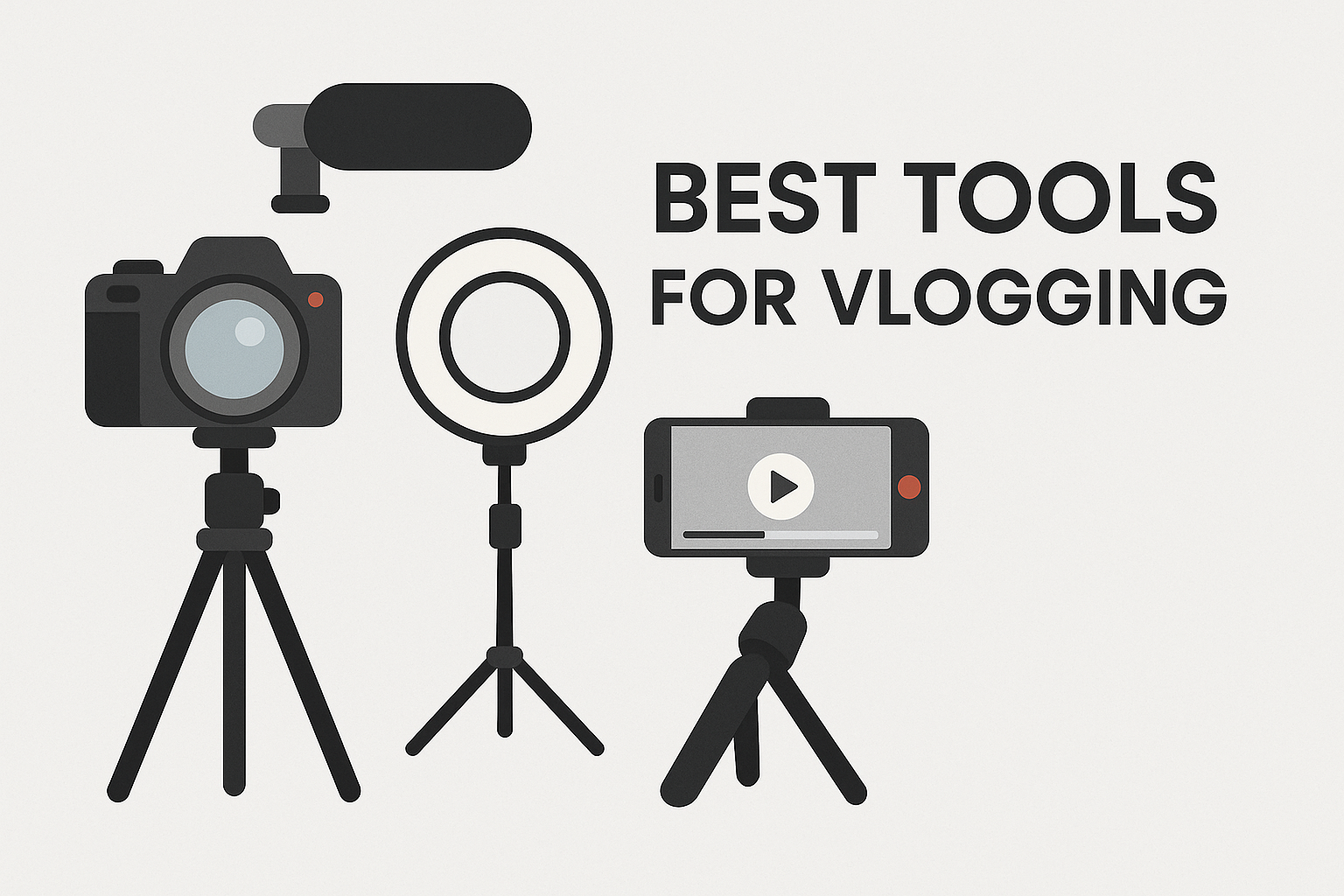
Vlogging has become a powerful way to share stories, experiences, and insights with the world. Whether you’re a seasoned content creator or just starting out, having the right tools can make all the difference in creating engaging, high-quality videos. From cameras and microphones to editing software and accessories, the right equipment helps you produce content that resonates with your audience.
In this blog, we’ll explore some of the best tools for vlogging, helping you choose the perfect setup to elevate your vlogs to the next level.
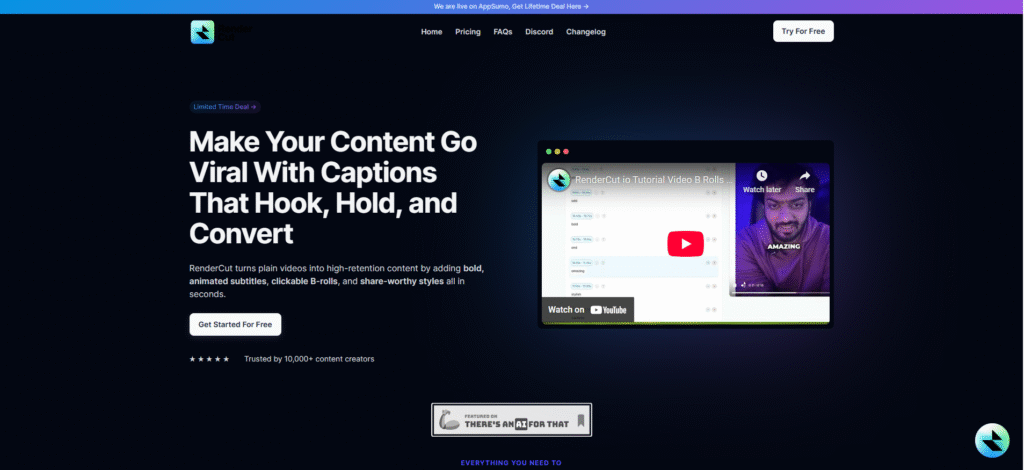
1. RenderCut (Video Editing and Subtitling)
A compact, high-performance camera optimized for vloggers and content creators seeking quality and ease of use. Delivers crisp, cinematic visuals with minimal setup, making it ideal for travel, daily vlogs, and product reviews.
Enables hands-free shooting and real-time tracking, crucial for solo creators. Combines portability with pro-level features, eliminating the need for bulky gear. Studies show that vlogs with higher visual and audio clarity have up to 30% more viewer retention, proving the Sony ZV-1’s value for audience engagement.
Key Features:
- 4K video recording with full pixel readout and no pixel binning.
- Built-in optical and electronic image stabilization for shake-free footage.
- Fast hybrid autofocus with Real-Time Eye AF and object tracking.
- Flip-out LCD screen for front-facing recording.
- Built-in directional 3-capsule mic with windscreen.
2. Camera (Sony ZV-1)
A compact, high-quality digital camera built specifically for vloggers and content creators. Delivers professional-grade video with minimal setup, making it ideal for solo creators.
The compact size, reliable autofocus, and built-in stabilization allow for smooth and sharp footage on the move, whether recording indoors or outdoors.
Key Features:
- 4K UHD video recording with full pixel readout
- Built-in optical and electronic image stabilization
- Real-time Eye AF and fast hybrid autofocus system
- Side-flip LCD screen ideal for selfies and video recording
- Directional 3-capsule mic with windscreen for clear audio
3. Microphone (Rode VideoMic Pro)
A professional-grade external shotgun microphone designed to capture high-quality directional audio for videos and vlogs. Delivers clear vocal capture even in outdoor or crowded settings. Eliminates ambient distractions like wind or street noise.
Enhances production value by matching high-quality visuals with clean audio. Ideal for travel, interviews, and live content, especially when using compact camera rigs.
Key Features:
- Compact, lightweight, and mounts directly on DSLR or mirrorless cameras.
- Supercardioid polar pattern focuses on sound in front while minimizing side noise.
- Integrated Rycote® Lyre® shock mounting to reduce handling vibrations.
- 9V battery-powered with up to 70 hours of continuous use.
- Built-in high-pass filter and level controls for optimal sound tuning.
4. Editing Software (Adobe Premiere Pro)
Adobe Premiere Pro is a professional-grade video editing software widely used in the film, television, and online content industries. Delivers professional output, suitable for YouTube, Instagram Reels, and cinematic content.
A flexible and customizable workspace that adapts to different editing workflows. Ideal for vloggers seeking creative freedom, advanced transitions, and precise edits. Access to built-in templates, presets, and plugins for time-saving enhancements.
Key Features:
- Multi-layer timeline editing for handling complex video projects efficiently.
- Native integration with Adobe Creative Cloud, including After Effects (motion graphics) and Audition (audio editing).
- Lumetri color panel for advanced color correction and grading.
- Support for multiple file formats and codecs, including 4K and HDR.
- AI-powered tools like Auto Reframe and Scene Edit Detection.
5. Lighting (Neewer Ring Light Kit)
Overview: A powerful lighting setup designed to deliver consistent and professional video quality. Enhances video clarity and skin tones, especially in dim settings. Provides controlled, flattering light that elevates your on-camera presence and helps maintain a professional look in all environments.
Studies show that consistent lighting increases viewer retention by improving visual appeal in content.
Key Features:
- Adjustable color temperature (3200K to 5600K) for warm or cool tones
- Uniform brightness to eliminate shadows
- Includes a stable tripod stand and smartphone holder
PAA (People Also Ask):
What are the best tools for beginner vloggers?
A good camera, microphone, and video editing software like RenderCut are great starting points.
How do I add subtitles to my vlogs?
Use tools like RenderCut for automatic transcription and customizable subtitles.
What camera is best for YouTube vlogs?
The Sony ZV-1 is an excellent choice for high-quality vlogging.
Conclusion:
The right tools are essential for creating professional vlogs that capture attention and keep your audience engaged. From high-quality cameras to editing software, each tool plays a key role in shaping your content.
RenderCut stands out as a game-changer, offering easy-to-use subtitling and text customization that elevate your vlogs effortlessly. Start vlogging with the right tools today, and take your content to the next level. Explore RenderCut to enhance your videos and make your vlogs unforgettable.


