
RenderCut vs Submagic: Which AI Caption Tool Is Better in 2026?
 RenderCutCreator Tips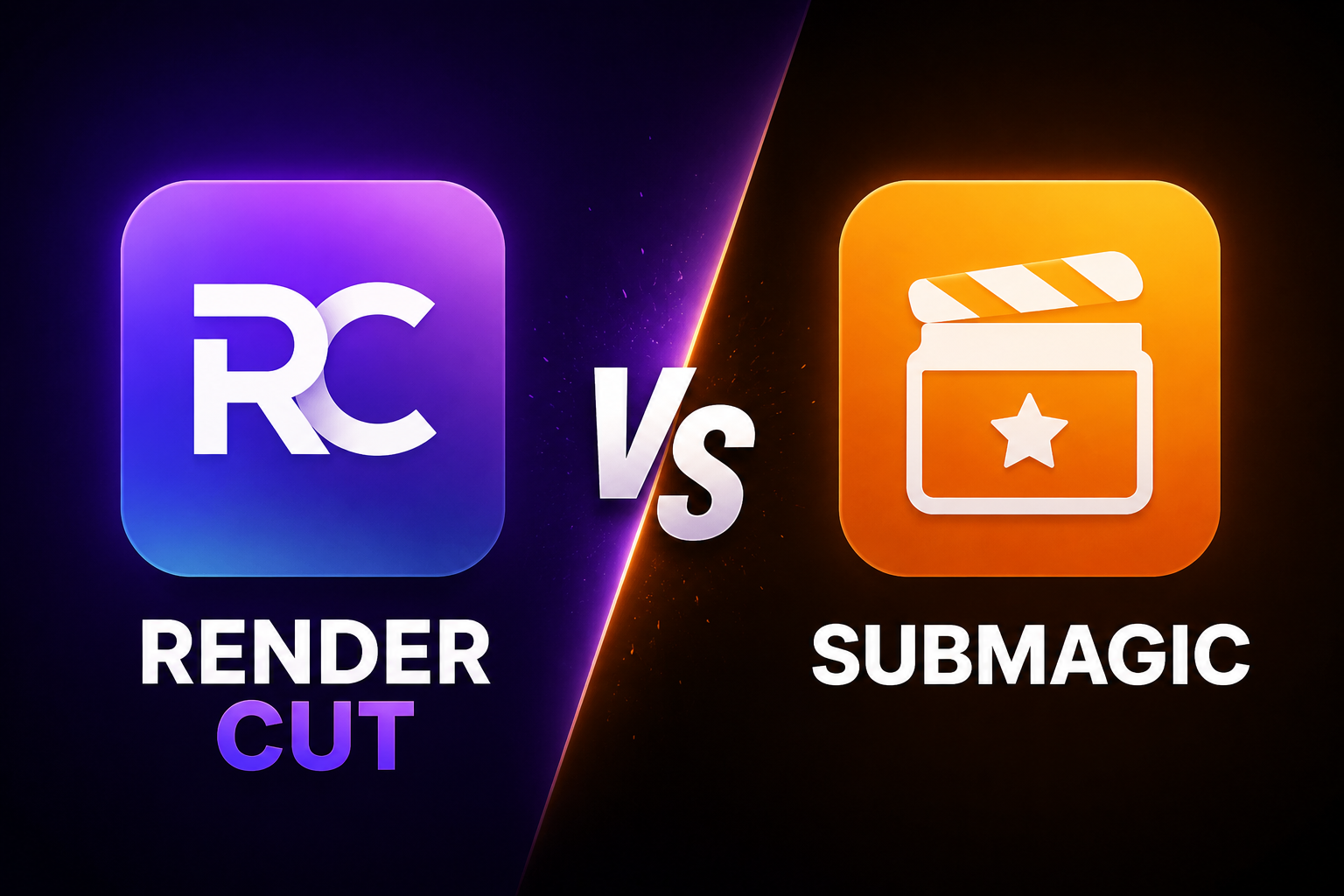
Submagic and RenderCut are both AI caption tools built for short-form video. They overlap on transcription, caption styling, and export. But they are designed around different assumptions about what a creator needs, and those assumptions lead to very different products.
Submagic's assumption is that you want automation to handle as much of the editing workflow as possible: captions, B-roll, transitions, zoom effects, sound effects, and filler word removal in one pass. RenderCut's assumption is that you want the deepest possible control over one specific output: captions that look professional and drive retention.
If both assumptions match what you need, this comparison will help you see where each tool delivers and where each falls short. If only one matches your workflow, the answer is probably clear before you finish reading.
What this guide covers:
- What Submagic is actually built for versus what RenderCut is built for
- Verified 2026 pricing for both tools
- Caption quality and word-level control comparison
- What real user reviews say about Submagic in 2026
- Which tool fits which creator or workflow
1. What Each Tool Is Actually Built For
Understanding the design philosophy behind each tool makes the comparison much clearer.
Submagic is an AI short-form video editor. It takes raw footage and produces a finished short video with captions, B-roll, zooms, transitions, and sound effects applied automatically. The design goal is to reduce the time from raw footage to publishable short to the minimum possible. One upload, minimal clicks, publishable output.
RenderCut is an AI captioning specialist. It takes raw footage and produces a video with professionally styled captions: word-level highlights, saved brand templates, hook caption generation, and clean export. The design goal is to produce the best possible captions as fast as possible, with full control over every styling decision.
Neither tool is a general-purpose video editor. Neither replaces Premiere Pro or DaVinci Resolve for complex editing. The comparison is specifically: if you want great captions on short-form video, which tool does that job better?
2. Pricing Comparison
Submagic's pricing has been one of the most discussed topics in creator communities in 2026. The biggest issue with Submagic in 2026 is the price. They are still pushing a subscription-heavy model. For a professional agency, $50 or $100 a month is a business expense. For a solo creator or a small business owner, it is a subscription fatigue problem.
| Plan | Submagic | RenderCut |
|---|---|---|
| Free | 3 videos/month, watermark | 5 videos/month, no watermark |
| Starter | $12 to $20/month (annual) | N/A |
| Pro | $23/month (annual) | N/A |
| Business/Agency | $39/month per member (annual) | N/A |
| Lifetime option | Not available | Yes, from approximately $49 one-time (AppSumo) |
| 12-month total (Pro) | ~$276/year | $49 one-time (lifetime) |
At $23/mo annual (Pro), Submagic is excellent value for any creator publishing 10 to 40 short videos per month. The per-video cost at 40 clips is under $0.58. That is a fair assessment for high-volume creators who also use the B-roll, zoom, and transition features.
For creators who only need captions and do not use Submagic's editing automation features, the value equation changes. You are paying for an editing suite when you only need the captioning component.
3. Caption Quality and Word-Level Control
Both tools produce AI transcriptions and allow caption styling. The difference shows up in the depth of word-level control.
| Feature | Submagic | RenderCut |
|---|---|---|
| AI transcription | Yes, 48 languages, high accuracy | Yes, high accuracy across accents and languages |
| Word-level highlights | Yes | Yes (best-in-class) |
| Saved style templates | Yes (brand kit on higher tiers) | Yes, all tiers |
| Dynamic caption templates | Yes, multiple animated presets | Yes, with animation options |
| Hook caption / first-line tools | No | AI hook title generator included |
| Filler word removal | Yes | No |
| B-roll insertion | Yes | Yes |
| Zoom effects | Yes | No |
| Full short-form edit automation | Yes (one-click AI Auto-Edit) | No |
Submagic's one-click AI Auto-Edit is genuinely useful for creators who want automation across multiple editing tasks simultaneously. Excellent for turning one longer recording into multiple captioned social clips without sending every highlight through a traditional editor first.
Where Submagic falls short of RenderCut specifically on captions is the brand kit access and granular word-level editing flexibility. While Submagic handles simple subtitles well, some users find it challenging to edit more complex captions, such as adding emphasis, special characters, or multiple lines. The brand kit with full customization also sits behind higher-tier plans rather than being available to all users.
4. What Real Users Say About Submagic in 2026
Submagic has over 2,000 reviews across Google, Trustpilot, and G2. The signal from verified reviews breaks into two clear camps.
What users consistently praise:
- Caption speed and visual quality on output
- Time savings versus manual editing
- Template variety for animated caption styles
- Useful for high-volume short-form content production
What users consistently complain about:
- The main complaints focus on export bugs, pricing confusion, or credits running out faster than expected.
- Billing and cancellation friction. G2 reviewers describe difficulty getting refunds after accidentally purchasing the wrong plan, with support providing canned responses and no resolution.
- Submagic currently lacks direct integrations with platforms like YouTube, Instagram, and TikTok, requiring users to download and manually upload their videos.
- Free trial limitations. The free plan creates unrealistic expectations that paid plans quickly correct.
The billing complaint pattern mirrors what we found in the VEED comparison: tools with complex subscription tiers and no grace period on accidental purchases generate disproportionate negative reviews around billing, even when the core product is well-regarded.
For the cancellation process specifically if you are already a Submagic subscriber, see How to Cancel Submagic Subscription.
5. Side-by-Side Summary
| Category | Submagic | RenderCut |
|---|---|---|
| Best for | One-click automation across captions, B-roll, and effects | Best-quality captions with full word-level control |
| Pricing model | Subscription only, per-seat for agencies | Free tier + lifetime option |
| Word-level caption control | Good | Best-in-class |
| AI Auto-Edit (captions + B-roll + effects) | Yes | No |
| Brand kit / saved templates | Higher tiers | All tiers |
| Hook caption generator | No | Yes |
| Direct platform publishing | No (download and upload manually) | No |
| Common complaint theme | Billing friction, export bugs, credit confusion | N/A |
| 12-month cost | $276+ (Pro annual) | $49 (lifetime) |
6. Which Tool Fits Which Creator
| Your Situation | Best Fit | Why |
|---|---|---|
| You want one-click automation for captions, B-roll, and effects | Submagic | AI Auto-Edit covers the full short-form edit in one pass |
| You want the best-looking captions specifically | RenderCut | Deepest word-level styling, hook generator, all-tier templates |
| You are cost-sensitive or have variable posting volume | RenderCut | Lifetime pricing eliminates ongoing cost entirely |
| You produce 10 to 40 shorts monthly with varied editing needs | Submagic | Good value at Pro tier when you use the full feature set |
| You are an agency with multiple client brand kits | RenderCut | Multiple templates, flat lifetime pricing avoids per-seat scaling |
| You need direct platform publishing | Neither (both require manual upload) | Use a scheduler alongside whichever tool you choose |
For creators who use Opus Clip for clipping and want the best caption tool for the final styling pass, the three-way comparison including Opus Clip is in Opus Clip vs Submagic vs RenderCut: Which Tool Is Best for Short Videos.
Frequently Asked Questions
Is RenderCut better than Submagic?
For caption quality and styling control specifically, RenderCut offers deeper word-level control and makes its brand kit available to all users rather than restricting it to higher tiers. Submagic is better for creators who want one-click automation across captions, B-roll, zooms, and sound effects in a single workflow. The better tool depends on whether you want caption excellence or editing automation.
Is Submagic worth the price in 2026?
At $23/month annual, Submagic delivers strong value for creators publishing 10 to 40 short videos monthly who actively use its automation features. For creators who only use the captioning features and not the B-roll, zoom, or transition automation, paying for the full editing suite may not be worth it compared to a caption-specialist tool with lifetime pricing.
What are the main complaints about Submagic?
The most common complaints in 2026 reviews are billing and cancellation friction (difficulty getting refunds on accidental purchases), export bugs on some file types, pricing confusion around which features are on which tier, and no direct platform publishing (requires manual download and upload for every video).
Can I use Submagic and RenderCut together?
Yes. Some creators use Submagic for its AI Auto-Edit automation (captions + B-roll + effects in one pass) and then move the output into RenderCut for fine-tuning the caption styling before publishing. This combines Submagic's editing speed with RenderCut's caption precision.
Which tool is better for agencies?
RenderCut's multiple saved templates and lifetime pricing are better structured for agency use. Submagic's per-member pricing at the Business tier can compound quickly as a client roster grows. The full agency workflow comparison is in Content Repurposing System for Agencies Managing Multiple Clients.
Final Word
Submagic and RenderCut are not competing for the same job. Submagic is competing for the creator who wants one tool to handle as much of the short-form editing process as possible. RenderCut is competing for the creator who wants one thing done with maximum precision: captions that look professional and drive retention.
Both have genuine strengths. Submagic's AI Auto-Edit genuinely saves time for high-volume creators who use all of its features. RenderCut's caption depth, hook generator, and lifetime pricing genuinely serve creators and agencies for whom captions are the primary workflow need.
If you are currently using Submagic primarily for captions and not actively using the B-roll, zoom, and sound effects automation, you are likely paying for features you do not use. RenderCut covers the captioning need at a fraction of the ongoing cost.
RenderCut gives you word-level caption highlights, an AI hook title generator, all-tier brand templates, and a lifetime pricing option that eliminates monthly fees. Try RenderCut free and compare the caption quality directly against Submagic on the same clip.
References
- HyzenPro - Submagic review 2026: Trustpilot and G2 verified review analysis, pricing, features, and common complaints
- TriedByHumans - Submagic review May 2026: Pro tier value analysis, per-video cost at 40 clips, free plan limitations
- Capzai - Submagic review 2026: subscription pricing critique and creator community feedback
- Tekpon - Submagic features 2026: caption editing limitations and platform integration gaps