
SRT vs VTT: Which Subtitle Format Should You Use?
 RenderCutCreator Tips
SRT and VTT are both plain-text subtitle formats, but they are optimized for different jobs. Choose SRT when you need the simplest, most widely accepted caption file for uploads and editing workflows. Choose VTT when captions will appear in an HTML5 web player or need web-oriented positioning, styling, chapters, or timed metadata.
The text and timestamps can look almost identical, so the best choice is usually determined by the destination—not by transcription quality.
SRT vs VTT at a glance
| Feature | SRT (.srt) | WebVTT (.vtt) |
|---|---|---|
| Best for | Broad compatibility, platform uploads, editors | HTML5 video, web players, interactive media |
| Required header | None | WEBVTT |
| Millisecond separator | Comma, such as 00:00:05,250 | Period, such as 00:05.250 |
| Cue numbers | Common and normally sequential | Optional |
| Positioning | Limited and inconsistently supported | Built-in cue positioning |
| Styling | Basic or unsupported, depending on platform | Supports cue markup and web-oriented styling |
| Other uses | Primarily subtitles and captions | Captions, subtitles, chapters, descriptions, and timed metadata |
| Complexity | Very simple | More flexible |
| Typical web use | Often converted before browser playback | Designed for the HTML <track> element |
What is an SRT file?
SRT stands for SubRip Subtitle. An SRT file contains numbered blocks, and each block has a start time, an end time, and one or more lines of text.
A basic SRT cue looks like this:
1
00:00:02,500 --> 00:00:05,000
Welcome to this subtitle format guide.
The format is popular because it is easy to create, inspect, edit, and move between tools. Most problems can be diagnosed in a text editor: check the numbering, timestamp pattern, blank lines, and character encoding.
SRT is a strong default when you need to:
- Upload captions to a platform that explicitly accepts
.srt - Exchange subtitles with clients, translators, or editors
- Keep a simple master transcript with timing
- Use software that does not need advanced positioning or metadata
- Maximize compatibility across a mixed toolchain
However, support for formatting inside SRT varies. Even if one application recognizes bold, italic, color, or position instructions, another may ignore or strip them. YouTube's official guidance, for example, says its basic SRT support expects plain UTF-8 text and does not recognize style markup.
What is a VTT file?
VTT usually refers to WebVTT, short for Web Video Text Tracks. It is a W3C format designed to connect timed text with web-based audio and video.
A basic WebVTT file looks like this:
WEBVTT

00:02.500 --> 00:05.000
Welcome to this subtitle format guide.
The WEBVTT header is required. Cue identifiers may be added, but they do not have to be sequential numbers.
WebVTT can do more than show dialogue. The format can carry subtitles, captions, chapter titles, descriptions, and time-aligned metadata. It also includes cue settings for alignment, size, line position, and placement within the video viewport. Web pages can target supported cues with the ::cue pseudo-element, although the exact styling a player or platform honors can vary.
VTT is usually the better choice when you need to:
- Add captions to an HTML5
<video>element - Work with a web video player that expects
.vtt - Control cue alignment, size, or placement
- Create chapter tracks or other timed web data
- Build an accessible, multilingual website video experience
- Connect captions to browser scripts or interactive behavior
The key differences between SRT and VTT
1. The file header
An SRT file starts directly with its first cue number. A VTT file must begin with WEBVTT, followed by a blank line before the cues.
This small difference matters. Simply renaming captions.srt to captions.vtt does not reliably convert the file.
2. Timestamp punctuation
SRT normally uses a comma before milliseconds:
00:01:12,400 --> 00:01:15,900
WebVTT uses a period:
00:01:12.400 --> 00:01:15.900
A validator or player may reject a file when the punctuation does not match the expected format.
3. Cue identifiers
Sequential numbers are a familiar part of SRT:
27
00:02:10,000 --> 00:02:13,000
Text for cue 27.
WebVTT identifiers are optional and may contain meaningful labels. A simple VTT file can omit them entirely.
4. Styling and positioning
SRT focuses on timed text. Some applications extend it with formatting, but that behavior is not consistent across destinations.
WebVTT has standardized cue settings and markup for web playback. A cue can include alignment, position, line, size, or vertical-text instructions. The W3C specification also defines cue-related styling mechanisms. Even so, test the final player: a platform may implement only part of the format.
5. Web integration
WebVTT was created for external text tracks used with HTML media. A developer can connect it to a video with markup similar to this:
<video controls>
  <source src="/video.mp4" type="video/mp4" />
  <track
    kind="captions"
    src="/captions-en.vtt"
    srclang="en"
    label="English"
    default
  />
</video>
SRT is not the native format expected by the HTML <track> workflow, so website teams often convert SRT to VTT before deployment.
Which format should you choose?
Use this practical rule:
- Choose SRT for portability. It is ideal when a client, editor, social platform, or video service asks for a basic subtitle upload.
- Choose VTT for the web. It is ideal when the file will connect to an HTML5 player or needs web-specific features.
- Follow the destination's documentation. If a platform names a preferred format, use that format even when it accepts both.
- Keep a clean master file. Store an editable version with accurate timing and text, then export the format required by each destination.
For YouTube
YouTube lists both SubRip (.srt) and WebVTT (.vtt) among its supported caption formats. For a straightforward upload, SRT is often the simpler choice. YouTube notes that basic SRT files should be plain UTF-8 and that style markup is not recognized. If you upload VTT for positioning or formatting, verify the result in YouTube Studio because platform-specific support can be narrower than the full WebVTT specification.
For your own website
Use VTT when you are attaching captions to an HTML5 video or a compatible web player. It maps directly to the web's text-track model and can support captions, subtitles, chapters, and other time-aligned information.
For video editing and client delivery
Use whichever format the editor, agency, broadcaster, or client requests. If the requirement is unclear, SRT is usually the safest exchange format because it is simple and widely recognized. Always test import behavior before delivering a large batch.
For accessible video
The file extension alone does not make captions accessible. Accuracy, synchronization, speaker identification, meaningful sound descriptions, readable line breaks, and correct language labels matter more.
Start with a reliable transcript, correct recognition errors, and include relevant non-speech audio such as [music], [applause], or [door closes] when it helps viewers understand the scene. If you are still building the basics, read What Are Auto Captions? and our guide to adding subtitles to a video.
How to convert SRT to VTT safely
A careful conversion usually involves these steps:
- Add the required
WEBVTTheader and a blank line. - Replace the comma before milliseconds with a period.
- Remove sequential cue numbers if your workflow does not need identifiers.
- Preserve cue order, text, and blank-line separation.
- Save the result as UTF-8 with the
.vttextension. - Validate the file and watch the full video in the destination player.
Avoid blind search-and-replace when caption text contains timestamp-like strings. A dedicated subtitle converter or editor is safer for long files.
When converting VTT back to SRT, remove VTT-only headers, comments, cue settings, regions, and unsupported markup. Convert timestamp periods to commas and restore sequential cue numbers. Expect to lose features that SRT cannot represent consistently.
Common subtitle file mistakes
Renaming the extension without converting the contents
A new filename does not change the syntax inside the file. Update the header and timestamps, then test the result.
Using the wrong character encoding
Save caption files as UTF-8, especially when they contain accented characters, non-Latin scripts, or emoji. Encoding problems can turn readable dialogue into garbled symbols.
Assuming styling will transfer everywhere
Players and platforms implement formatting differently. Treat styling as destination-specific and confirm it visually after upload.
Letting cues overlap accidentally
Overlapping timestamps can produce flicker, stacked text, or unpredictable rendering. Check cue boundaries and correct unintended overlaps.
Creating captions that are technically valid but hard to read
Keep line breaks natural, avoid overcrowded cues, and allow enough reading time. Typeface and presentation also matter when captions are burned into a video; see our guide to the best fonts for subtitles.
A simple decision checklist
Before exporting, ask:
- Where will the captions be used?
- Does the destination specify SRT or VTT?
- Do you need web-player positioning, chapters, or metadata?
- Will styling survive on the destination platform?
- Is the file encoded in UTF-8?
- Have you checked timing, spelling, line breaks, and speaker labels?
- Did you watch the published or uploaded version from beginning to end?
If the destination is a general editing or upload workflow, start with SRT. If it is an HTML5 website or an interactive web player, start with VTT.
Frequently asked questions
Is VTT better than SRT?
Not universally. VTT is more capable for web playback, while SRT is simpler and often easier to exchange between tools. The better format is the one your destination supports correctly.
Can I upload SRT and VTT to YouTube?
Yes. YouTube's supported-file documentation lists both formats. Basic SRT is usually sufficient for standard captions, but you should preview any uploaded file in YouTube Studio.
Can browsers play SRT captions directly?
The standard HTML <track> workflow is built around WebVTT. Convert SRT to VTT for dependable browser-based text tracks unless your chosen player explicitly handles SRT itself.
Does converting SRT to VTT improve caption accuracy?
No. Conversion changes the container syntax, not the words or timing quality. Improve accuracy by reviewing the transcript and synchronization before export.
Should I burn captions into the video instead?
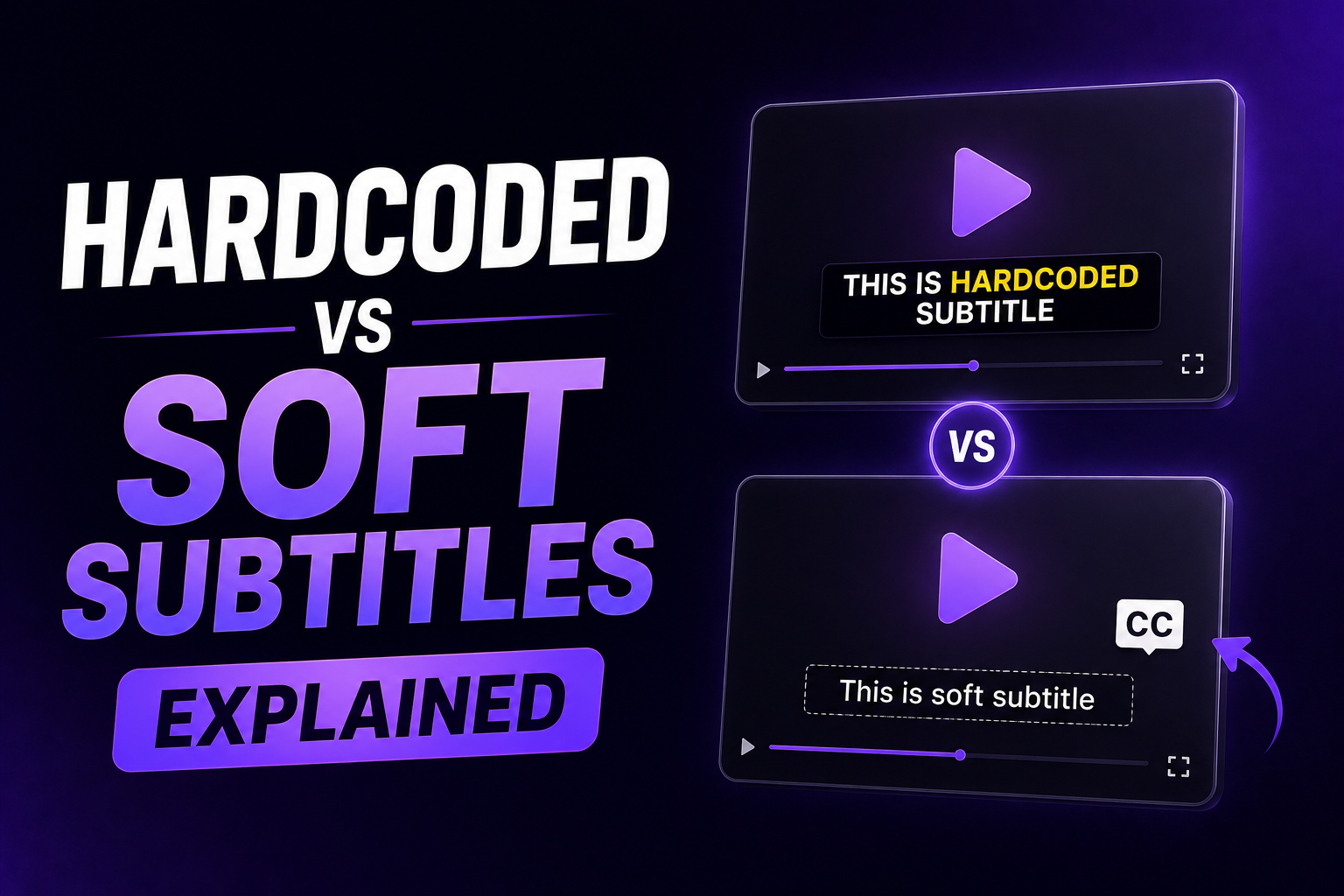
Burned-in captions are always visible and preserve their visual design, but viewers cannot turn them off or change their presentation. Closed-caption files such as SRT and VTT give the viewer or player more control. Many publishing workflows use both: a styled social-video export and a separate caption file for accessibility or reuse.
Final recommendation
Choose SRT when broad compatibility and simple delivery are the priority. Choose VTT for HTML5 video, website caption tracks, and web-specific control.
Whichever format you use, validate it in the final destination. Accurate text, well-timed cues, readable lines, and a complete playback check matter far more than the extension.
Ready to create clearer videos with polished captions? Try RenderCut.